Voice + lipsync for your product
Give your product a character that speaks.
Stream text or audio, build a character from one image, or render a narrator for your videos.
Scripted text stream
Explain how this works
How this runs Replays a real request with its captured timing.
- Request
- SDK call
const her = mountCharacter(el, api, 'green-plush-mascot'); const s = her.speakStream({ emotion: 'neutral' }); for await (const piece of llm.stream()) s.text(piece); s.end();- Limits
- Sentences are cut at . ! ? and newlines once they are at least 24 characters long. One stream carries up to 6000 characters; a break message cuts a sentence now.
- Voice provider
- Lipsync engine
- Recorded
- Output
<link rel="stylesheet" href="https://vibed.video/sdk/stage.css">
<div id="stage" class="char-stage" style="width: 480px; aspect-ratio: 1"></div>
<button id="say">Say it</button>
<script type="module">
  import { VisemeClient } from 'https://vibed.video/sdk/client.js';
  import { mountCharacter } from 'https://vibed.video/sdk/talker.js';

  const api = new VisemeClient({ key: 'vk_…', baseUrl: 'https://vibed.video' });
  const her = mountCharacter(document.getElementById('stage'), api, 'hallway-girl');
  document.getElementById('say').onclick = async () => {
    await her.say('Hello there. Nice to meet you.', { emotion: 'happy' }); // resolves when the line has played out
  };
</script>
Conversations
Ledgerleaf
Help with a face
Put a speaking character beside the answers your support system already provides.
Invoices
October 2026
Outstanding €4,180.00
Paid in October €4,090.50
| Invoice | Client | Due | Amount | Status |
|---|---|---|---|---|
| INV-1042 | Harbor & Pine | Nov 4 | €1,240.00 | Due |
| INV-1041 | Okafor Studio | Oct 31 | €860.00 | Due |
| INV-1040 | Lumen Bakery | Oct 21 | €2,080.00 | Overdue |
| INV-1039 | Vela Robotics | Oct 14 | €3,450.50 | Paid |
| INV-1038 | North Quay Books | Oct 2 | €640.00 | Paid |
How this runs Plays prepared audio or video.
- Request
- SDK call
const pip = mountCharacter(el, api, 'green-plush-mascot'); const s = pip.speakStream({ emotion: 'warm' }); s.text(answerFromYourHelpDesk); s.end();- Limits
- Sentences are cut at . ! ? and newlines once they are at least 24 characters long. One stream carries up to 6000 characters; a break message cuts a sentence now.
- Voice provider
- Lipsync engine
- Recorded
- Output
Firstlight
Show the next step
Attach a short spoken explanation to each step of your interface.
First, give your project a name that your team will recognize.
Next, invite the people who will work on this project with you.
You are ready. Open your first task and choose what to do next.
- 01 Name your project
- 02 Invite your team
- 03 Open your first task
Step 01
Name your project
Step 02
Invite your team
- ana.kovac@tidepool.org
- j.mendes@tidepool.org
- rui.sato@tidepool.org
Step 03
Open your first task
- Collect the first samples Open
- Label the jars
- Log the water temperature
How this runs Plays prepared audio or video.
- Request
- SDK call
await api.speak({ text: step.line, character: 'silver-haired-researcher' }, { onEvent: keep });const elara = mountCharacter(el, api, 'silver-haired-researcher'); explain.onclick = () => elara.say(step.line);
- Limits
- Up to 2000 characters per request; the voice, its word timings and the mouth cues stream back as ndjson.
- Voice provider
- Lipsync engine
- Recorded
- Output
Lantern Gate
Choose the next line
Let a character respond to the choices in your game.
Chapter 3
Slot 02 · 03:41:07
Take the bridge
The bridge is quiet tonight. Take the lantern and follow me.
Follow the forest path
The forest path is longer, but we can watch the stars on the way.
How this runs Plays prepared audio or video.
- Request
- SDK call
const mika = mountCharacter(el, api, 'hallway-girl'); bridge.onclick = () => mika.say('The bridge is quiet tonight. Take the lantern and follow me.', { emotion: 'wary' }); forest.onclick = () => mika.say('The forest path is longer, but we can watch the stars on the way.', { emotion: 'happy' });- Limits
- Both branches are authored lines, written and recorded ahead, not generated game logic: your game chooses the line and its emotion. Up to 2000 characters per request; the emotion bends the voice, the face is your code's to set, and say() sets both.
- Voice provider
- Lipsync engine
- Recorded
- Output
Moonpath
A little story speaks
Combine a narrator, spoken dialogue and an optional inner voice in one story.
Pip found a little lantern beside the garden gate. Somewhere beyond the trees, a bell began to ring.
I will carry the light. We can find the way together.
Perhaps the smallest light can help someone feel brave.
How this runs Plays prepared audio or video.
- Request
- SDK call
const pip = mountCharacter(el, api, 'green-plush-mascot'); // narration: the narrator's voice, the mouth left at rest await api.speak({ text: narration, voiceId: '6HXfTcSnxaoT6uM4pTRP', emotion: 'neutral' }, { onEvent: playVoiceOnly }); // speech: Pip's voice, the mouth on its cues await pip.say(line, { emotion: 'warm' }); // thought: Pip's voice, its cues never given to the stage await api.speak({ text: thought, character: 'green-plush-mascot', emotion: 'neutral' }, { onEvent: playVoiceOnly });- Limits
- The page composes three requests, one voice each: POST /v1/speak does not parse a scene's registers. The narrator is a voiceId in place of the character's own, not a cloned voice, and only the spoken line is given to the mouth. Up to 2000 characters per request.
- Voice provider
- Lipsync engine
- Recorded
- Output
Moodroom
The face reacts first
Set the expression before the line, then hear how the voice changes with it.
Take 01 neutral
I did not expect to see you here. Come and sit beside me.
How this runs Plays prepared audio or video.
- Request
- SDK call
const mika = mountCharacter(el, api, 'hallway-girl'); take.onclick = () => mika.stage.setEmotion(emotion); // the face, silently hear.onclick = () => mika.say(line, { emotion }); // the voice bends, the face matches- Limits
- One emotion per stream, set in its start message: neutral, warm, happy, sad, afraid, angry, embarrassed or wary; anything else is refused. The voice bends with it; the face is your code's to set, and say() sets both.
- Voice provider
- Lipsync engine
- Recorded
- Output
Margin
Follow every word
Use speech timings to highlight the text as your character reads.
A seed needs water, air, and the right temperature to begin growing. Its first root reaches down before its first leaves open.
How this runs Plays prepared audio or video.
- Request
- SDK call
const words = [];
await api.speak({ text, character: 'silver-haired-researcher' }, {
  onEvent: (e) => { if (e.type === 'words') words.push(...e.words); },
});
const liris = mountCharacter(el, api, 'silver-haired-researcher'); read.onclick = () => liris.say(text); span.onclick = () => liris.seek(words[i].startS); // the line again, from that word
- Limits
- Up to 2000 characters per request. The word timings are the voice provider's own, streamed beside the audio and the cues; they are not computed from the cues.
- Voice provider
- Lipsync engine
- Recorded
- Output
Video
Chalkroom
A voice beside the lesson
Render a character's narration and place it beside the material you teach.
Light and shadow
How this runs Plays prepared audio or video.
- Request
- SDK call
- Limits
- Up to 3000 characters a scene and 8000 a job; 64 to 1080 px; 10 to 60 fps; one render at a time server-wide; a scene is its own file with its script, .srt and .vtt beside it.
- Voice provider
- Lipsync engine
- Recorded
- Output
Launchroom
Present what you shipped
Add a character presenter to a product demo or release walkthrough.
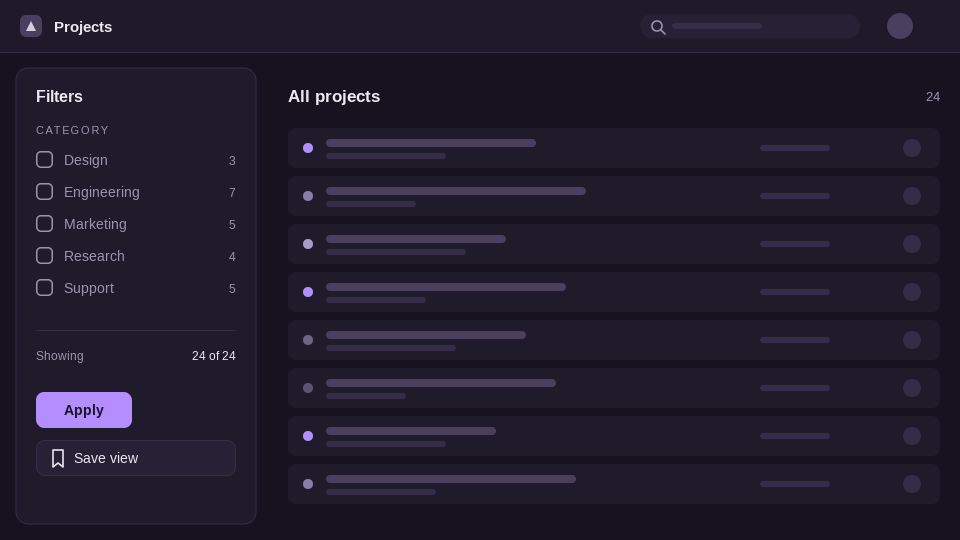
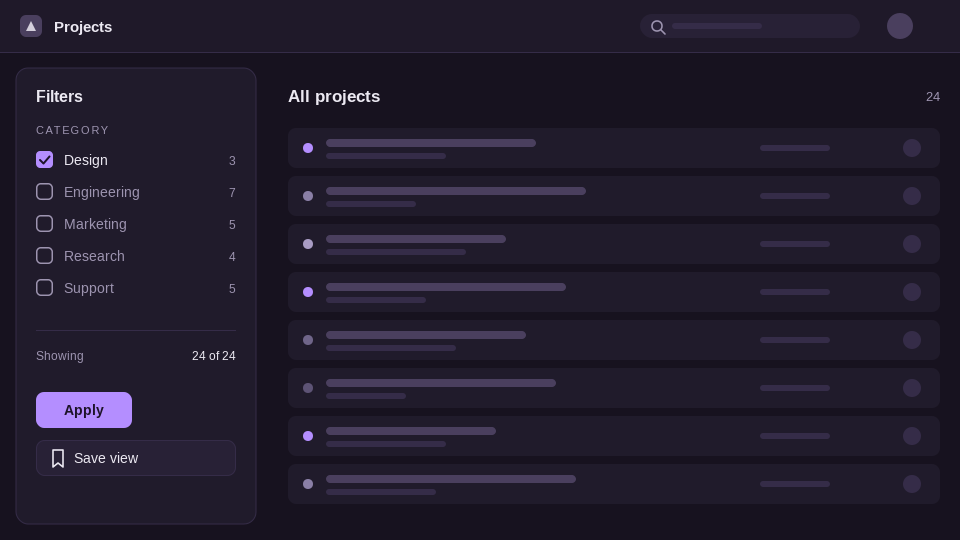
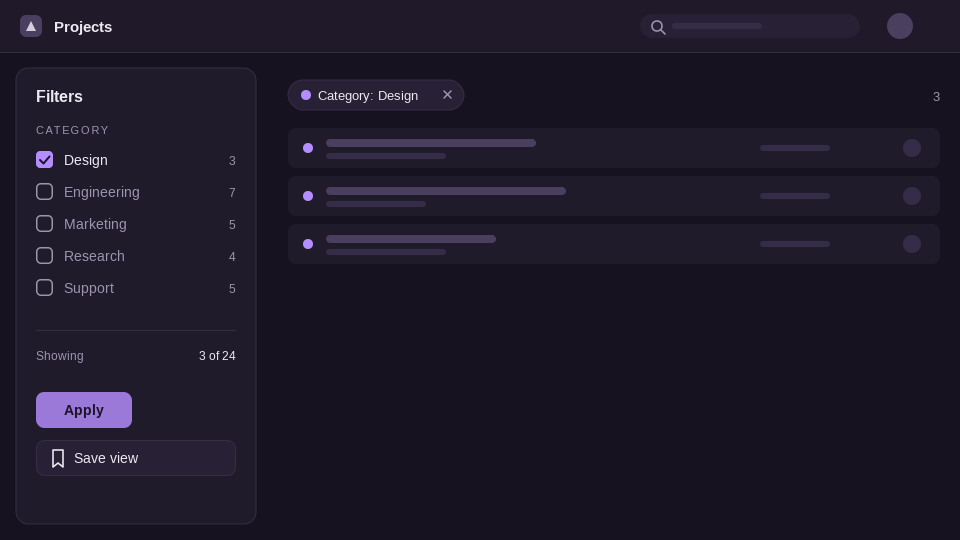
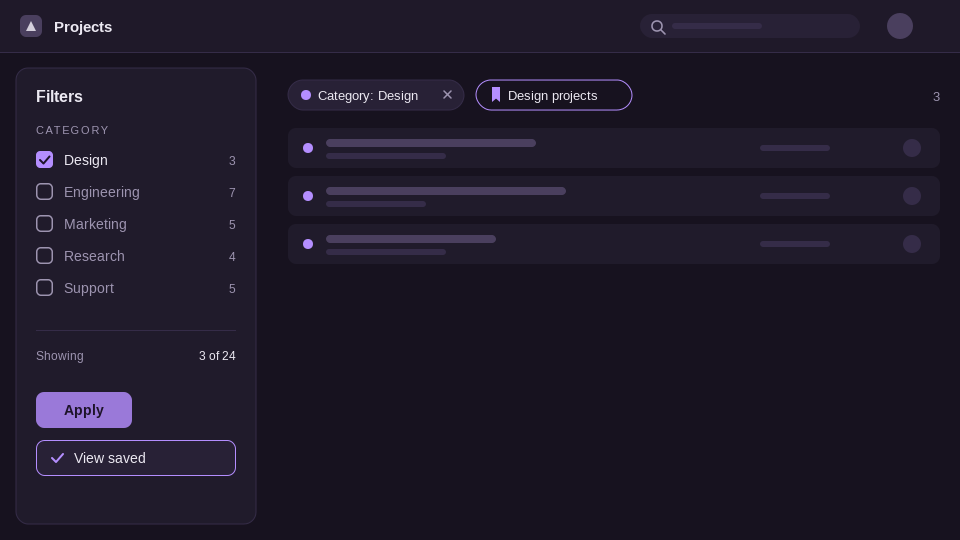
Saved filters, for the whole team
How this runs Plays prepared audio or video.
- Request
- SDK call
- Limits
- Up to 3000 characters a scene; 64 to 1080 px; 10 to 60 fps; lead 0.3 s and tail 0.5 s by default; the clip is the face on a key colour, never an alpha channel.
- Voice provider
- Lipsync engine
- Recorded
- Output
Briefing
Make a whole series
Submit several scenes together and collect a narrator clip for each one.
- POST /v1/videos
-
Chapter one
V03 Welcome to chapter one. We will start by setting up your workspace.
-
Chapter two
V04 Welcome to chapter two. Now we will invite your team and share the first project.
How this runs Replays a real request with its captured timing.
- Request
- SDK call
- Limits
- Up to 3000 characters a scene and 8000 a job; one render at a time server-wide, so a batch's scenes render one after another; every scene is its own file; the newest twenty jobs are kept.
- Voice provider
- Lipsync engine
- Recorded
- Output
Cutroom
Ready for your timeline
Take the video, captions and timing data into your own editing workflow.
At the playhead
- Words
- Captions
- Mouth cues
How this runs Plays prepared audio or video.
- Request
- SDK call
- Limits
- Every time in the script is on the clip's own clock: lead 0.3 s before the first word and tail 0.5 s after the last by default; 64 to 1080 px; 10 to 60 fps.
- Voice provider
- Lipsync engine
- Recorded
- Output
Keyframe
A line on your timeline
Text in, one answer out: the character's voice as an mp3, every word and every mouth cue already placed at the second you asked for. Made for an editor that owns its own clock.
POST /v1/takes
- text
- Say hello to smart timelines. Drop in your footage, and every cut lands right on the beat.
- character
- hallway-girl
- emotion
- neutral
- extendedShapes
- GHX
- offsetS
- 12.1
- id
- durationS
- charsSpoken
at 12.1 s
One answer: the file, the words and the cues, every time on your clock.
Asked again, the same line in the same voice spends nothing.
How this runs Replays a real request with its captured timing.
- Request
- SDK call
- Limits
- Up to 2000 characters per take; offsetS from 0 to 86400 s; your newest hundred takes are kept. This is one real take, recorded once and replayed.
- Voice provider
- Lipsync engine
- Recorded
- Output
Your audio
Cuebench
Your audio, their mouth
Send a short recording and its transcript, then inspect the mouth cues it produces.
Supplied demo audio 4.74 s / 10 s
How this runs Runs on your audio, within the demo limit.Replays a real request with its captured timing.
- Request
- SDK call
const her = mountCharacter(el, api, 'green-plush-mascot'); const l = her.lipsync({ text: transcript }); for await (const int16 of audio16k) l.audio(int16); l.end();- Limits
- 16 kHz mono PCM in, up to ten minutes per stream on your own key. The demo door takes 10 s per connection, one analysis at a time, 1000 s a day.
- Voice provider
- Your audio
- Lipsync engine
- Recorded
- Output
Nightshift
Put your voice on screen
Feed microphone audio to a character and play it back with matching mouth cues.
My name is Pip. Bring your own audio, and watch my mouth follow it.
Microphone off
- seconds left
- 10.0
- Playback waits for mouth cues
- 0.0 s
How this runs Runs on your audio, within the demo limit.Replays a real request with its captured timing.
- Request
- SDK call
const her = mountCharacter(el, api, 'green-plush-mascot'); const l = her.lipsync({ text: 'My name is Pip. Bring your own audio, and watch my mouth follow it.' }); microphone.onAudio((int16) => l.audio(int16)); // 16 kHz mono, 100 ms frames stopButton.onclick = () => l.end();- Limits
- Your microphone at 16 kHz mono, 10 s per connection on the demo door, one analysis at a time, 1000 s a day; up to ten minutes per stream on your own key.
- Voice provider
- Your voice
- Lipsync engine
- Recorded
Patchbay
Keep the voice you have
Add mouth cues to audio from the voice system you already use.
-
Your audio
pcm_s16le · 16 kHz · monoSupplied demo audio voice.wav · 4.74 s
→ 0 / 48 × 3200 B
Transcript My name is Pip. Bring your own audio, and watch my mouth follow it.
-
Mouth cues
WS /v1/lipsync/stream← 0 cues
-
Character
0.00 s
How this runs Replays a real request with its captured timing.Runs on your audio, within the demo limit.
- Request
- SDK call
const her = mountCharacter(el, api, 'green-plush-mascot'); const l = her.lipsync({ text: transcript }); yourVoice.on('audio', (int16) => l.audio(int16)); // 16 kHz mono PCM, as your voice makes it yourVoice.on('end', () => l.end());- Limits
- 16 kHz mono PCM in, cues back per slice, up to ten minutes per stream on your own key. The live reanalysis takes 10 s per connection, one at a time, 1000 s a day.
- Voice provider
- Supplied demo audio
The sample is demo audio we supply. It shows the stream's format, not an integration with any particular voice vendor.
- Lipsync engine
- Recorded
Pocketworld
Small mouths, fewer shapes
Choose the mouth-shape set that fits the character you render.
3534 cues
My name is Pip. Bring your own audio, and watch my mouth follow it.
How this runs Plays prepared audio or video.
- Request
- SDK call
const { cues } = await api.lipsync(wav, { text, character: 'green-plush-mascot', extendedShapes: '', // the basic six; 'GHX' (the default) for all nine }); pip.stage.render(audio.currentTime, cues); // each frame, on your audio's clock- Limits
- Ask for the set you render: extendedShapes "GHX" (the default) answers all nine shapes, "" the basic six (A to F) for small stylised mouths. Each set is its own analysis of the audio.
- Voice provider
- Supplied demo audio
- Lipsync engine
- Recorded
- Output
Basic six is a separate analysis of the same audio, not the nine-shape timeline filtered. It has no rest shape: silence and m share A.
On this line the nine-shape analysis used no G or H, so the two differ only where nine rests at X and six closes to A: three places, 35 cues against 34.
Nine shapesBasic six
Each chip shows the character's own frame for that shape. The sounds are illustrative groups, not a phonetics guide.
Characters
The Casting Desk
Meet your first cast
Start with a house character and hear its own introduction.
18 characters
How this runs Plays prepared audio or video.
- Request
GET /v1/characters
Authorization: Bearer vk_…
- SDK call
const cast = await api.characters();
const character = mountCharacter(el, api, 'green-plush-mascot');
- Limits
- Eighteen house characters, each with nine mouths, a blink, breath geometry, expressions and a spoken intro; GET /v1/characters lists what a key may use.
- Voice provider
Each introduction is the character's own, baked with it: the voice and its mouth cues, as the gallery plays them.
- Recorded
- Output
Mascotworks
Your mascot, another line
Build a talking character from your mascot's still image, then choose each line in your app.
-
The still
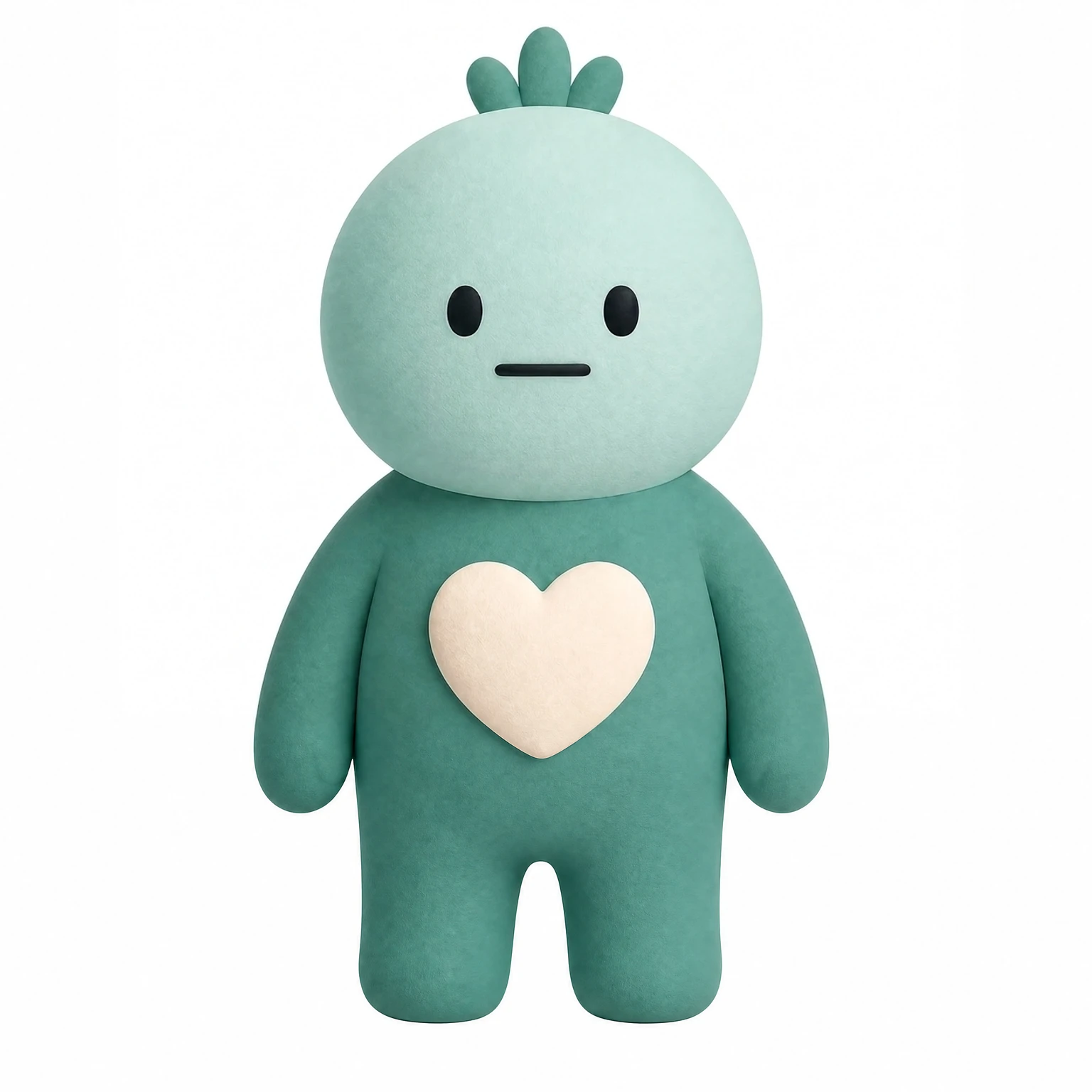
viseme_X.webp Pip is our house example, not a Masko asset. -
One build
POST /v1/charactersYour mascot's still in, a complete talking character out: nine mouths, blink, breath, expressions and a voice. Drawn art is kept as drawn.
-
Every line, live
New speech
WS /v1/speak/stream
One character, ready for another line. Your app chooses the words, and I speak them here.
Existing audio
Supplied demo audio POST /v1/lipsync
My name is Pip. Bring your own audio, and watch my mouth follow it.
How this runs Plays prepared audio or video.
- Request
curl -H "Authorization: Bearer $KEY" -F photo=@mascot.png \ https://vibed.video/v1/characters → 202 { "id": "…", "status": "building", "urls": { … } }- SDK call
const pip = mountCharacter(el, api, 'green-plush-mascot'); await pip.say('One character, ready for another line.', { emotion: 'happy' }); const { cues } = await api.lipsync(mp3, { text: transcript, character: 'green-plush-mascot' }); pip.stage.render(audio.currentTime, cues); // each frame, on your audio's clock- Limits
- One build per mascot, about three minutes; then any line live through the SDK, or your own audio and transcript through POST /v1/lipsync (up to 25 MB).
- Voice provider
- Lipsync engine
- Recorded
- Output
Masko's docs: a mascot's transparent_image still; a talking animation is a rendered job with the voice as mp3 and a word-timed transcript.
A documented workflow, not a verified Masko integration: Pip was not made with Masko, and nothing here calls Masko.
Greenroom
Watch a character arrive
Follow one image through the build, from its first assessment to a talking character.
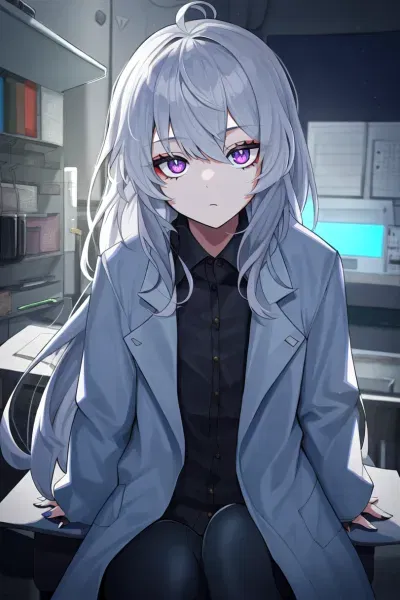
The source is a drawn illustration, not a real person; the build kept it as it was and redrew nothing.
elapsed
- assess
- stylize
- sheet
- visemes
- voice
- stories
- intro
- blink
- emotions
- breath
- patch
- finalize
Replayed from the record of one build on 7 October 2026, 2 min 39 s from the first assessment to a finished character: every stage starts and ends when it did, each stage's log lines are paced evenly over its duration, and the character's spoken commentary is not part of this record.
How this runs Plays prepared audio or video.
- Request
POST /v1/characters
Content-Type: multipart/form-data
photo: source.png (400 × 600)

GET /v1/characters/78b499ee157c/events
GET /v1/characters/78b499ee157c
- SDK call
const { id } = await api.createCharacter(photo); for await (const { event, data } of api.buildEvents(id)) graph.show(event, data); const build = await api.waitForCharacter(id);- Limits
- One build at a time server-wide, about three minutes; a photograph is redrawn as an original character, drawn art is kept as it is. A failed stage is retried in place with no re-upload, and in a live build the character talks about its own build as it happens. This replay is a record, not a live build.
- Voice provider
- Lipsync engine
- Recorded
- Output
Atelier
Change just one detail
The editor regenerates one mouth shape, the blink or an expression of a finished character, with one step of undo. These are its panes on a house character, every frame the real one.
manifest.json edit_region .39483139045,.31602750261,.59756939045,.428229663475Each chip shows the character's own frame for that shape. The sounds are illustrative groups, not a phonetics guide.
Selected viseme:X
A regenerate is a new drawing on the original region, never a new detection: one model call, about 20 to 30 s, and the previous bytes kept for one undo. It calls the image model, so this page shows the control and does not run it.
How this runs Plays prepared audio or video.
- Request
POST /api/characters/green-plush-mascot/regenerate Authorization: Bearer <session token> {"asset":"viseme:X"} GET /api/characters/green-plush-mascot/regenerate POST /api/characters/green-plush-mascot/regenerate/undo- SDK call
stage.show('G'); stage.blinkNow(); stage.setEmotion('happy');- Limits
- One regenerate at a time server-wide, about 20 to 30 s, one step of undo in memory; a second regenerate or a server restart takes the slot. Not run on this page.
- Output
SDKs
Waypoint
Ready without a connection
Package the character and prepared speech for playback without a live API connection.
Gallery 4 · Navigation
Brass pocket compass
c. 1890 · brass, glass, magnetised steel
01 The compass
This compass helped travelers find their way before phones and satellites.
02 The needle
The needle points toward magnetic north. Turn the case to line up your direction.
03 The worn edge
Look for the worn edge. Someone carried this compass on many journeys.
Local assets
- silver-haired-researcher/ XABCDEFGH
- media/S17/ voice.wavwords.jsoncues.json
- media/S18/ voice.wavwords.jsoncues.json
- media/S19/ voice.wavwords.jsoncues.json
Prepared for offline playback
How this runs Plays prepared audio or video.
- Request
curl -H "Authorization: Bearer $KEY" -o liris.zip \ https://vibed.video/v1/characters/silver-haired-researcher/bundle # 200: one zip, manifest.json and every file it names, as relative paths- SDK call
// Once, with your key, when you build the app (Node): const api = new VisemeClient({ key: process.env.VIBED_KEY, baseUrl: 'https://vibed.video' }); await api.downloadCharacter('silver-haired-researcher', 'guide/liris'); const take = await api.takes({ character: 'silver-haired-researcher', text }); // keep the take's mp3 (api.fileUrl(take.audio.url)) and take.cues beside the folder // In the app, with no key and no network: const layers = await loadLayers(manifest, loadImage, { base: 'guide/liris' }); const tl = createTimeline({ manifest, cues: take.cues }); paintFrame(ctx, layers, manifest, tl.at(audio.currentTime), { x: 0, y: 0, w: 400 }); // each frame- Limits
- Only lines prepared ahead play without the service: new speech and new analysis still need it.
- Voice provider
- Lipsync engine
- Recorded
- Output
Once loaded, the guide plays with no further request, so it keeps working if the connection drops. This page does not switch your browser offline to show it.
In your app, GET /v1/characters/<slug>/bundle is the character as one zip with relative paths, played with no key; in Node, downloadCharacter unpacks it into a folder.
This page keeps what it loaded only until you leave or reload it.
Pocketclass
One character, three platforms
Use the same character assets and mouth-cue format on web, iOS and Android.
Simulator and emulator captures
How this runs Replays a real request with its captured timing.
- Request
- SDK call
-
Web
const api = new VisemeClient({ key: 'vk_…' });
const pip = mountCharacter(el, api, 'green-plush-mascot');
await pip.say(line, { emotion: 'neutral' });
iOS
let pip = Talker(client: VibedClient(key: "vk_…"))
pip.load("green-plush-mascot")
try await pip.say(line)
Android
val pip = Talker(stageView, VibedClient(key = "vk_…")) pip.load("green-plush-mascot") lifecycleScope.launch { pip.say(line) } - Limits
- The web SDK is plain ES modules; the iOS package needs iOS 16+, the Android module minSdk 26; the same manifest and cue format on all three.
- Voice provider
- Lipsync engine
- Recorded
- Output
For developers
Your coding agent can read this.
The whole reference is one document at /llms-full.txt, the console has a quick start with your key filled in, and the Studio lets you try speech, audio lipsync and video rendering on your key.
Read https://vibed.video/llms-full.txt and add a talking character to this project using the web SDK. Use my server-side VIBED_KEY for API access. Start with green-plush-mascot and show me where to trigger speech.
Open the Studio Get a key Read the API
Documents for your agent /llms.txt /llms-full.txt